Community Space Availability: Keep Vacant, Under Review and Ready to Offer Separate
Maintain an availability record that distinguishes reported vacancy, pending work and authorized marketing status instead of treating an empty-looking space as ready for an offer.
By PortfolioRental Editorial Team · · Updated 2026-10-19
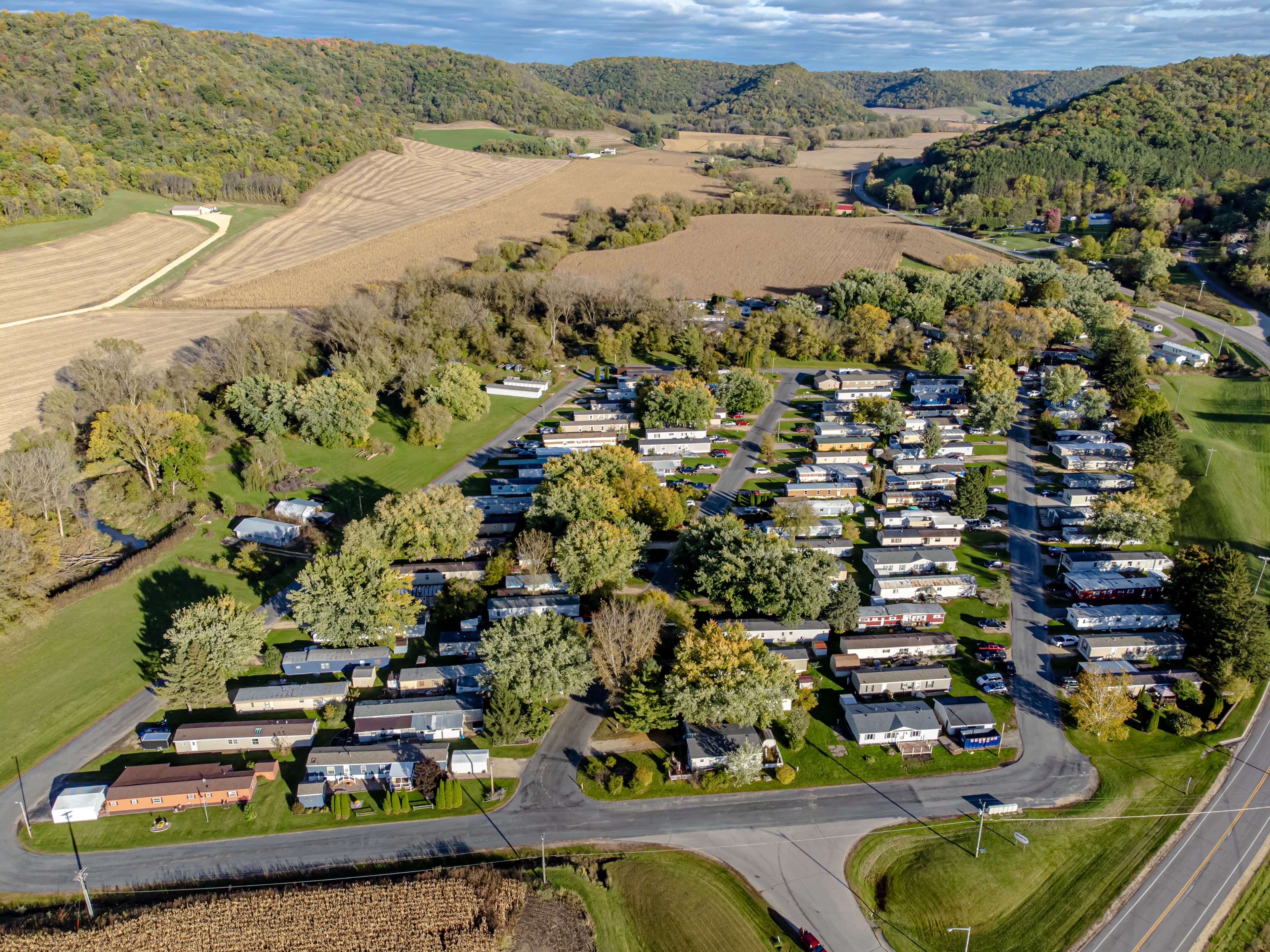
In this article
A space that appears empty is not automatically ready to be offered. The community team may still need to resolve records, work or an authorized decision before marketing information can change. Administrative status labels should make those distinctions visible instead of compressing them into a single available flag.
The assistant records the status supplied by the responsible people. They do not determine occupancy rights, technical readiness or permission to offer a space from an observation or an old directory entry.
Identify the source of the status
Record who confirmed the current position and which approved record supports it. Distinguish a report of apparent vacancy from an authorized administrative status. If sources conflict, preserve the discrepancy and request review before updating public information.
Use the stable community and site reference so the update cannot be confused with a similarly labeled space. Include relevant timing without assuming the date a message arrived is the date the underlying situation changed.
Define status labels around actual decisions
Agree with the community team what each label means and who may authorize it. Avoid terms that imply more than the record establishes. A task awaiting review should remain visibly different from a space approved for marketing.
| Status distinction | Information needed | Shortcut to avoid |
|---|---|---|
| Vacancy reported | Source and context of the report | Treating appearance as a final determination |
| Administrative review pending | Specific unresolved record or decision | Hiding the issue behind a generic open label |
| Work pending | Responsible task and review owner | Assuming a planned visit establishes readiness |
| Marketing authorized | Current explicit instruction and scope | Publishing from an internal draft status |
These labels should follow the community's real procedure. They do not establish legal or technical conclusions on their own.
Link dependencies to the status record
If the next decision depends on work, documents or a professional review, link the responsible task. The availability sheet should point to that evidence rather than repeat an unsupported estimate. Name the person who provides the next confirmed update.
Do not assign an available date by adding a hopeful interval to a tentative schedule. Any public timing needs the relevant authorization and source support.
Keep marketing channels aligned after approval
Once the authorized team approves a change, identify the listings, inquiry replies and internal references that need updating. Record where the change was applied and which destinations still need attention. Updating one spreadsheet does not update every public channel.
If the position changes again, route the revised instruction through the same process. Preserve earlier versions so the team can understand what prospective contacts were told at a particular time.
Review the record before answering an inquiry
Use the current approved source rather than a remembered status or a cached listing. If the answer remains uncertain, explain the review state using approved wording and assign the follow-up. Do not promise an outcome to keep an inquiry moving.
Property marketing support can maintain these status references and publication tasks. The value is an accurate distinction between a reported condition, a pending process and a space the community has actually authorized the team to offer.