First Rental Listing: Check the Facts Before Publishing
Use a listing source sheet and approval record to prevent outdated photos, conflicting availability and unsupported property claims.
By PortfolioRental Editorial Team · · Updated 2026-10-19
In this article
A rental listing can become inaccurate through ordinary copy-and-paste work. A previous description mentions an appliance that has changed, an old photo shows furniture that is no longer present, or different channels display different availability information. The administrative fix is to approve a source sheet before distributing the listing.
This workflow concerns factual accuracy and publishing control. The owner and appropriate advisers remain responsible for lawful advertising language, eligibility criteria and any required disclosures.
Build a source sheet for the specific unit
Keep the unit identifier, approved description, current photo set, stated features, contact route and approved commercial terms together. Link each detail to the person or record that confirmed it. Do not infer a feature from a neighboring unit or an old building-level brochure.
Use “awaiting confirmation” instead of filling a gap with plausible wording. If no one has confirmed whether an appliance is included, the draft should flag the question internally rather than advertise an assumption publicly.
Review images as information, not decoration
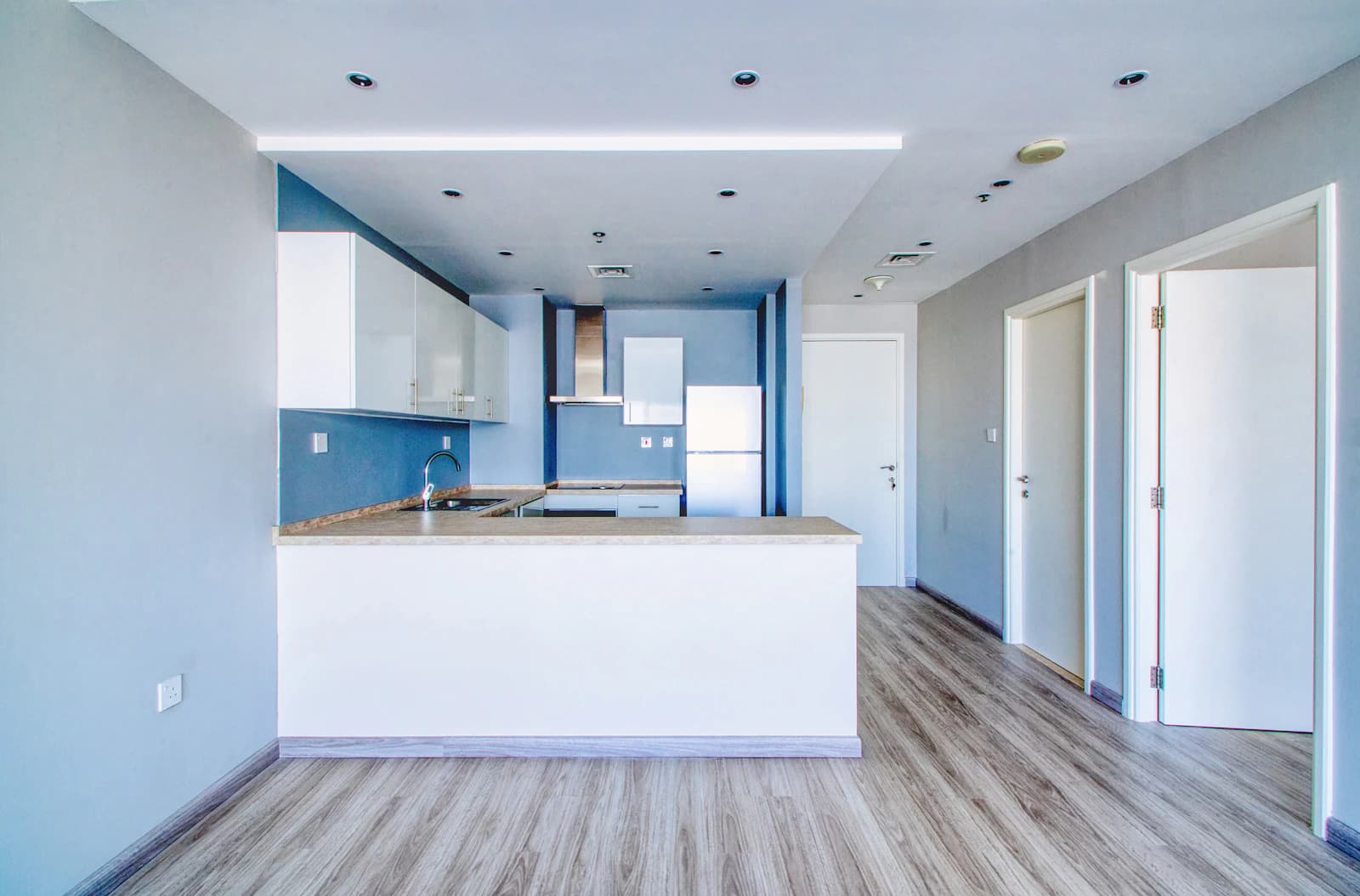
Confirm that photos show the advertised property and relevant current condition. Label shared spaces accurately. Do not let an attractive image of another unit imply that it depicts the available unit. If an image requires context, make that context clear in the approved presentation.
Check crops at mobile size as well as desktop. A technically high-resolution file can still produce an unhelpful thumbnail if it cuts out the room or feature the caption describes. Avoid stretching a small image to fill a large hero area.
Keep publishing fields consistent
Create a channel checklist that compares what was approved with what each platform displays:
| Field | Check before publication | Check after publication |
|---|---|---|
| Unit identity | Correct address and unit reference | No platform substitution or truncation error |
| Availability | Owner-approved status and wording | Same status across active channels |
| Images | Approved files and accurate captions | Correct order, crop and visible quality |
| Contact route | Monitored destination | Links and forms lead to the intended place |
Do not assume a successful upload means the public listing is correct. Review the actual published view, including collapsed sections and mobile presentation.
Separate copy changes from owner decisions
Correcting a typo is different from changing a price, included service or availability date. Define which edits the assistant may make and which require approval. Keep the approved version so a later reviewer can see whether a change was intentional.
If a public error affects a material detail, flag it promptly and follow the owner's correction instructions. Updating one channel while leaving the others unchanged can create a second problem: applicants receive different information depending on where they found the listing.
Keep an update and withdrawal routine
Record where the listing is active and who can change it. When the owner changes availability or asks for withdrawal, update every active destination and verify the result. A task marked “removed” should link to the relevant confirmation or review note.
Keep the final approved copy and publication history in the property file. This gives the team a reliable starting point for future updates without treating an old advertisement as current truth. For administrative help collecting approved facts and checking publication consistency, see property management support.